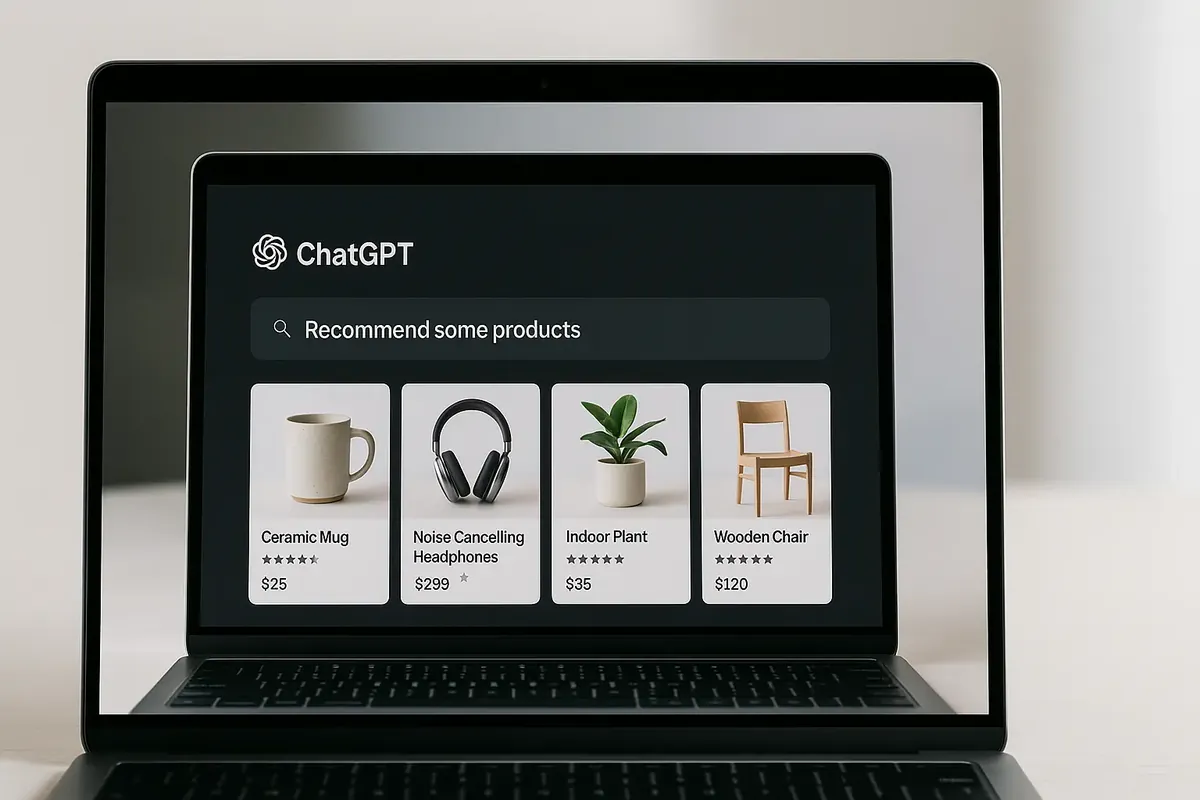
ChatGPT now shows shopping cards — product listings pulled from the web — in response to product queries. For e-commerce and B2B product sellers, this is a new visibility channel worth understanding and optimising for.
This isn't paid advertising. It's organic visibility driven by how well your product data is structured and how clearly your content matches buyer queries.
Why ChatGPT Shows Shopping Cards
OpenAI's shopping integration pulls product data from two primary sources:
- Bing Shopping (via Microsoft's shopping index)
- Directly scraped product pages with structured data
For your products to appear, ChatGPT needs to find, understand, and trust your product listings.
The Four Optimisation Pillars
1. Product Schema Markup
The most direct lever. Implement Product schema on every product page:
{
  "@context": "https://schema.org",
  "@type": "Product",
  "name": "Product Name",
  "description": "Clear, specific description",
  "brand": { "@type": "Brand", "name": "Your Brand" },
  "offers": {
    "@type": "Offer",
    "price": "199.00",
    "priceCurrency": "GBP",
    "availability": "https://schema.org/InStock"
  },
  "aggregateRating": {
    "@type": "AggregateRating",
    "ratingValue": "4.8",
    "reviewCount": "47"
  }
}
Validate everything in Google's Rich Results Test.
2. Conversational Product Descriptions
ChatGPT matches products to queries expressed in natural language. Product descriptions written in keyword-stuffed SEO style ("Buy Premium Widget Aberdeen UK Scotland") perform poorly.
Write descriptions that answer the question a buyer would actually ask:
- "What problem does this solve?"
- "Who is it for?"
- "What makes it better than the alternative?"
3. The OpenAI Product Feed
This is the part most guides get wrong, including an earlier version of this one. ChatGPT does not crawl your catalogue and it does not read it out of Bing. Merchants push a structured feed to OpenAI directly, and products that are not in that feed are not in the shopping results.
Setup steps:
- Apply at chatgpt.com/merchants and wait for OpenAI to verify the business
- Build the feed — CSV, TSV, XML, JSON, JSONL or Parquet, with the required fields
- Push it to the SFTP endpoint they issue you
- Keep it current; the feed accepts updates as often as every fifteen minutes
Two shortcuts. If you sell through Shopify or Etsy your catalogue is already integrated and there is nothing to apply for — Shopify enrolled eligible US merchants in the ChatGPT channel by default in March 2026, under Settings → Sales channels → Agentic Storefronts. And placement is not for sale: results are ranked on feed quality, relevance and the buyer's context, with no paid slots.
4. Supporting Content
Products with surrounding contextual content perform better. A product page alone is insufficient — AI models look for topical authority signals.
Create:
- Buying guides that compare your category
- FAQ pages that answer the questions buyers ask
- Use case content that shows the product in real contexts
What Not to Do
- Don't optimise only for Google. Bing, ChatGPT, and Perplexity use different signals.
- Don't let product data go stale. Out-of-stock items appearing in AI results damage trust.
- Don't skip reviews. Aggregate rating schema with real review counts is a significant trust signal for AI-powered shopping features.
The Opportunity for B2B Product Companies
Most B2B product companies haven't optimised for AI shopping visibility. The bar is low. Getting your product schema, your OpenAI product feed, and conversational content in place now positions you ahead of competitors still working only on traditional Google SEO.